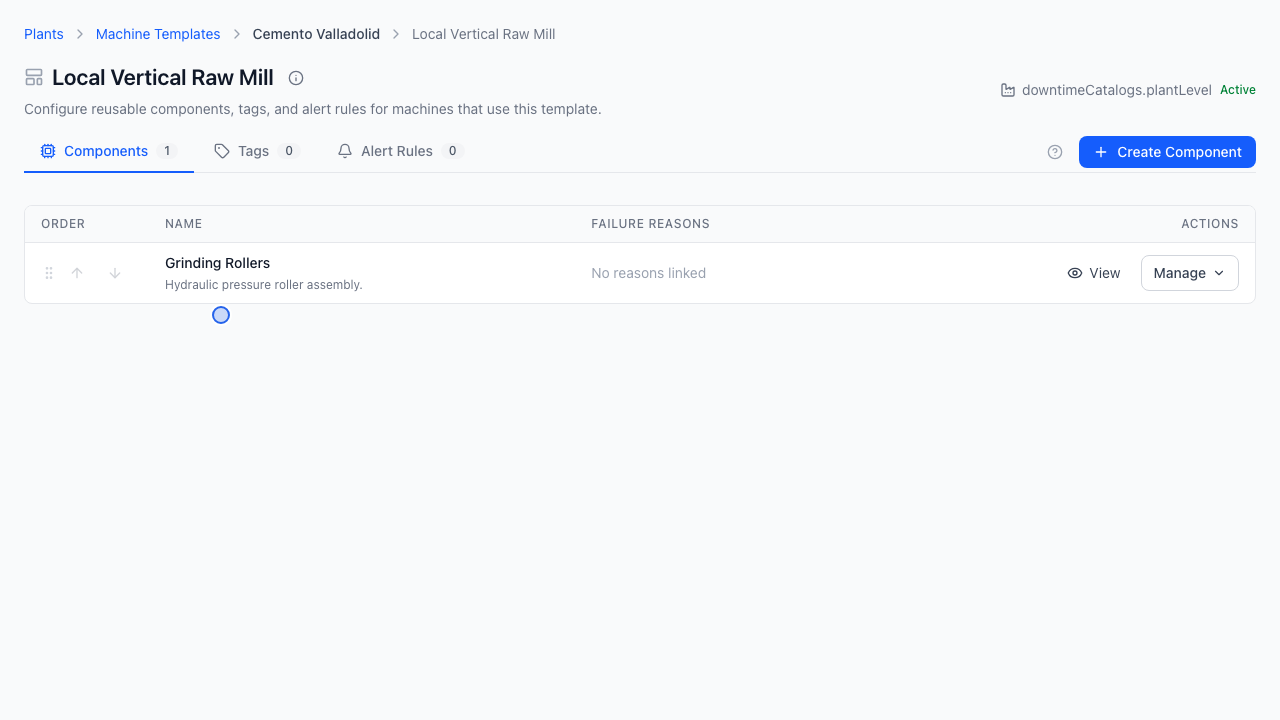
Manage Plant Machine Templates
Quick Demo · 0:09
00:09Manage Plant Machine Templates
Chapters
Searchable Transcript (2 steps)
- 00:01When managed at plant level, create site-specific machine blueprints here.
- 00:06Configure components linked to plant downtime reasons, expected tags, alerts, and KPIs.
When a plant uses local machine templates rather than inheriting corporate blueprints, engineers create site-specific Plant Machine Templates aligned with that facility's local equipment and downtime failure reasons.
Inheritance Prerequisite
| Switch Setting on the Plant | Behavior |
|---|---|
| Use company machine templates = On | Plant reads Company Machine Templates read-only. Requires Use company downtime catalogs = On. |
| Use company machine templates = Off | Plant engineers can create, customize, and delete local templates under that plant. |
Step 1: Open Plant Machine Templates
- Go to Configuration -> Plants.
- Click Manage -> Machine Templates on the target plant card.
- Confirm the breadcrumb displays
Plants > <Plant Name> > Machine Templates.
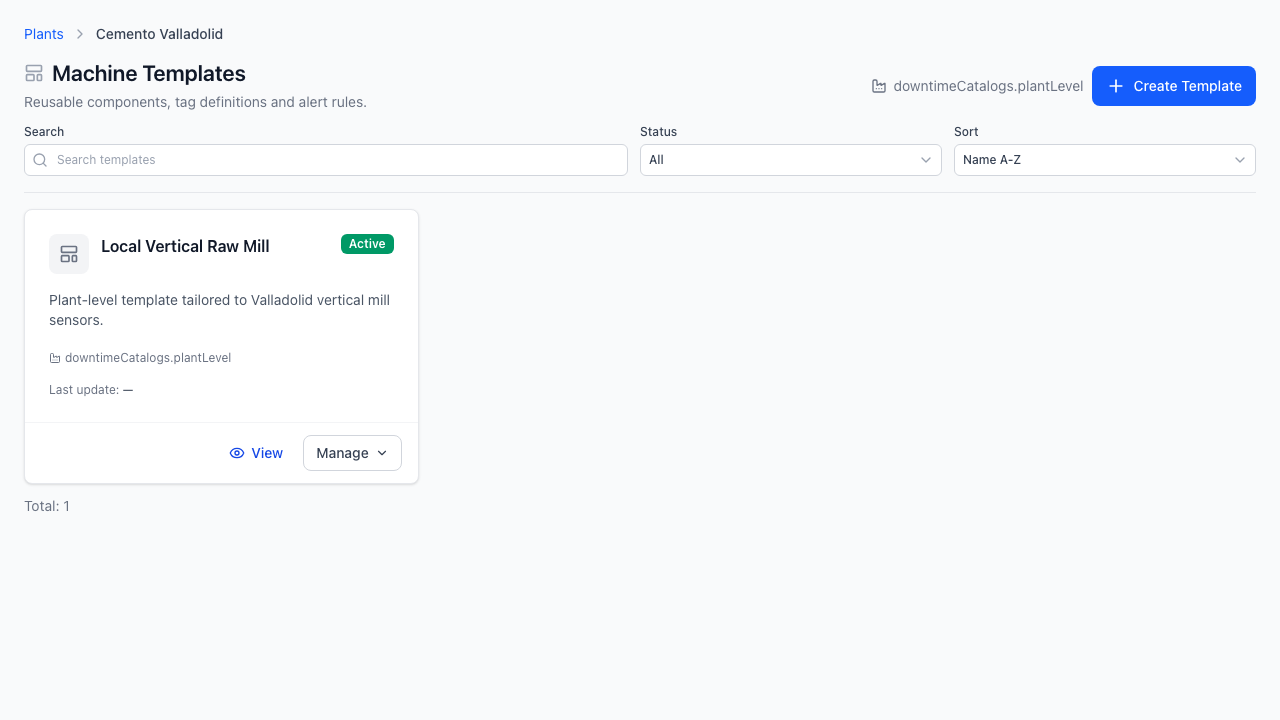
Step 2: Create a Plant Machine Template
- Click Create Template (top-right).
- Enter the Template Name (e.g.,
ID Fan Valladolid Spec), category metadata, and engineering Description. - Save to add the card to the plant template catalog.
Step 3: Configure Components, Expected Tags & Linked Reasons
- Click a template card to open its Template Detail workspace.
- Add machine Components (for example,
Grinding Rollers) and link applicable failure reasons from the plant's Downtime Catalog. - Define Expected Tags, units, alert thresholds, and KPI specifications so commissioning physical machines from this blueprint stays uniform.